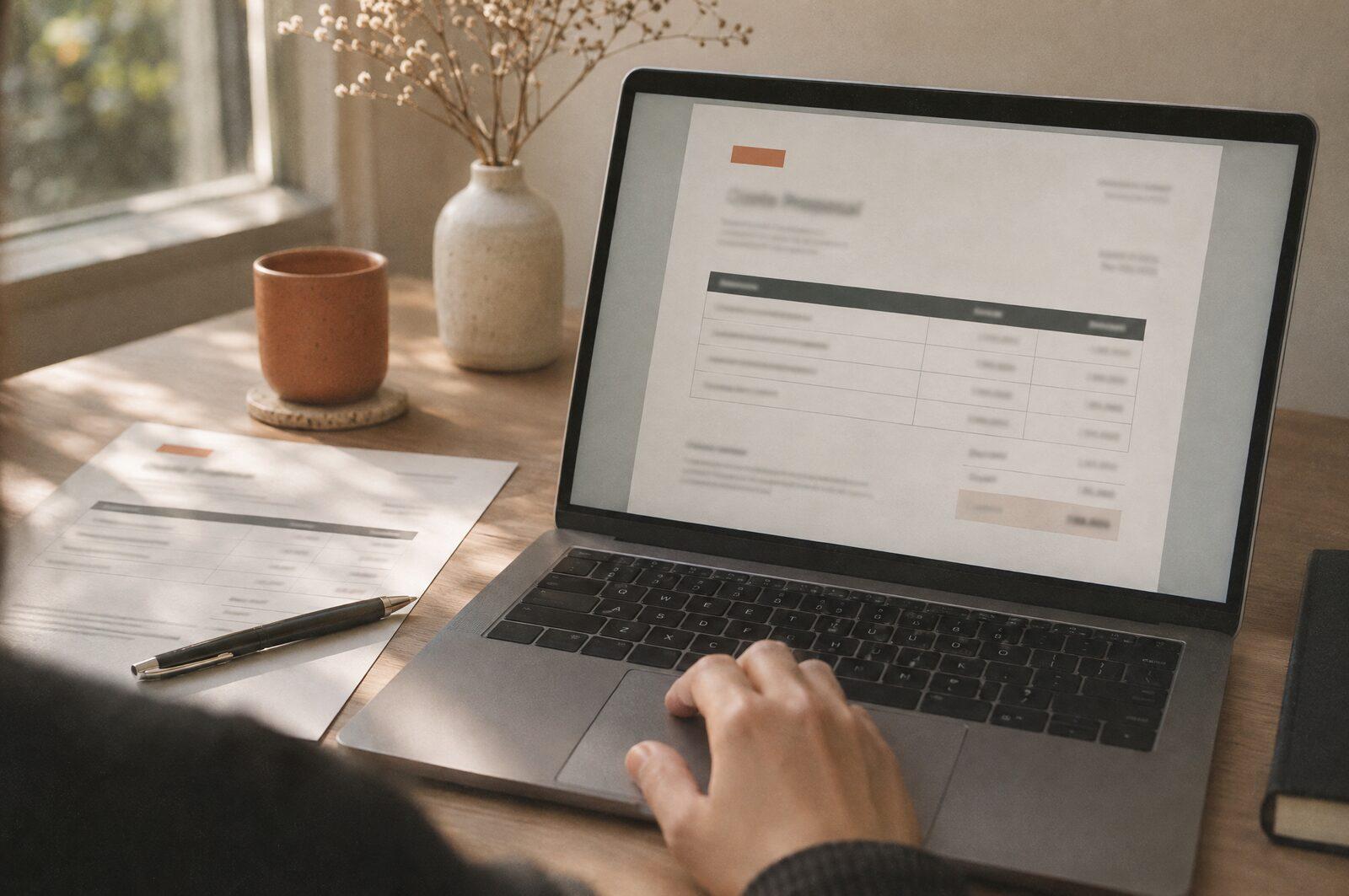
Invoice capture without the re-typing
Supplier invoices read, checked and posted to your accounts, with exceptions flagged for a person. How AI invoice capture works in a small business.

Daine MawerFounder, Plaincraft
2 min read
The short answer
AI can read supplier invoices, pull out the details (supplier, date, amounts, VAT, line items) and prepare them for your accounting system. A person reviews the exceptions instead of re-typing every invoice. Most small businesses can start with tools they already have.
The problem with manual capture
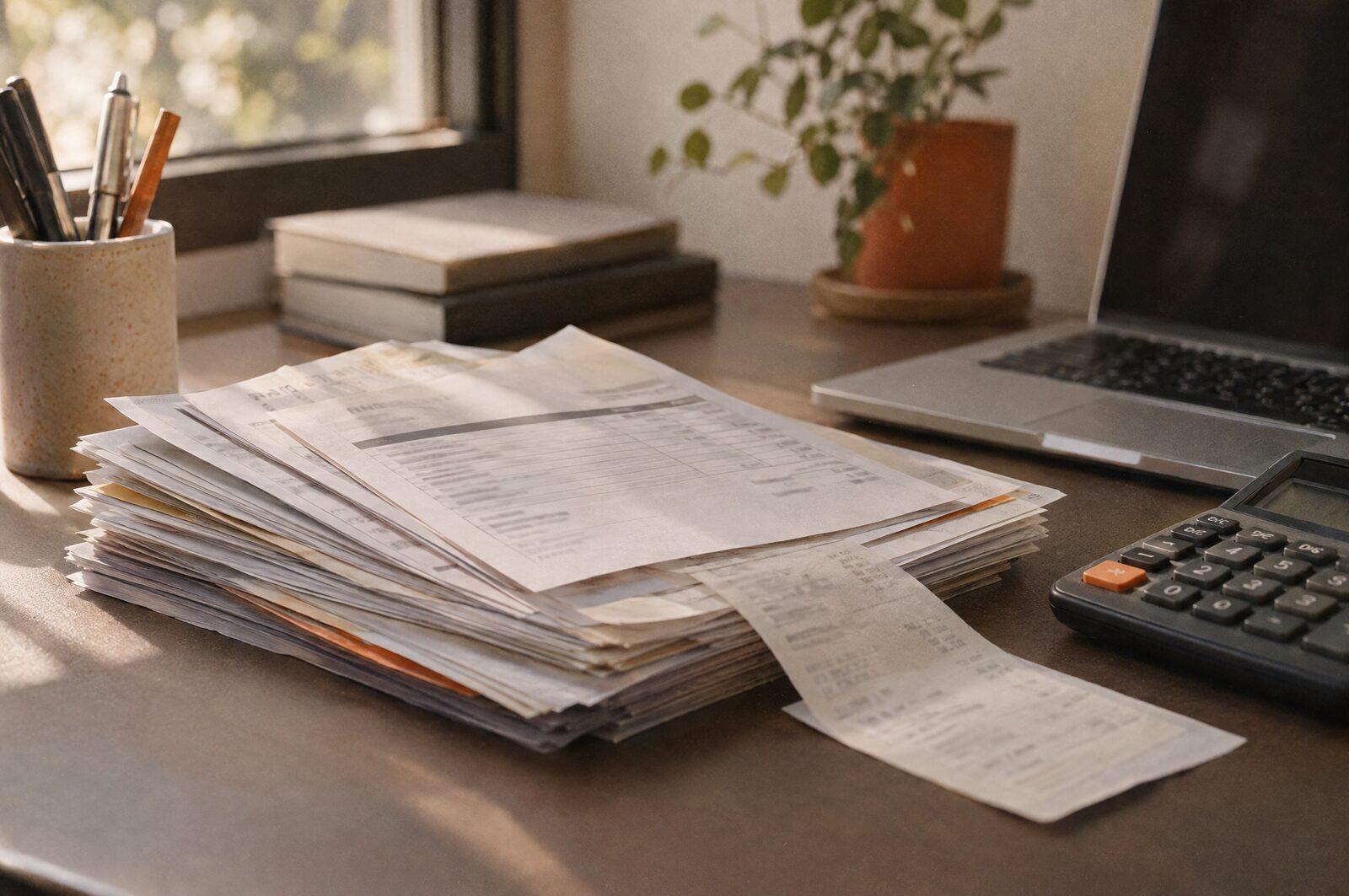
Someone opens each PDF or photo, reads it and types the same details into the accounts. It's slow, and the mistakes are small and easy to miss: a transposed number, the wrong VAT amount, a duplicate payment.
How it works
- CollectInvoices arrive in one inbox or folder, not scattered across people.
- ReadAI extracts supplier, invoice number, date, totals, VAT and line items.
- CheckRules flag anything unusual: new suppliers, amounts above a limit, possible duplicates.
- PostClean invoices are prepared for your accounting system. Flagged ones go to a person.
What to check first
- How many invoices a month? Below a few dozen, it may not be worth it.
- Does your accounting software already include invoice capture? Many do.
- Who approves payments today, and does that stay the same?
If the numbers add up, an automation build sets this up on your existing tools, documented so your team can run it.

Written by Daine Mawer
Founder of Plaincraft, an independent AI consultancy for South African SMEs, with 17 years of building websites and digital products behind it. AI is part of how I work every day, so I know where it earns its keep and where it doesn't.
More about me